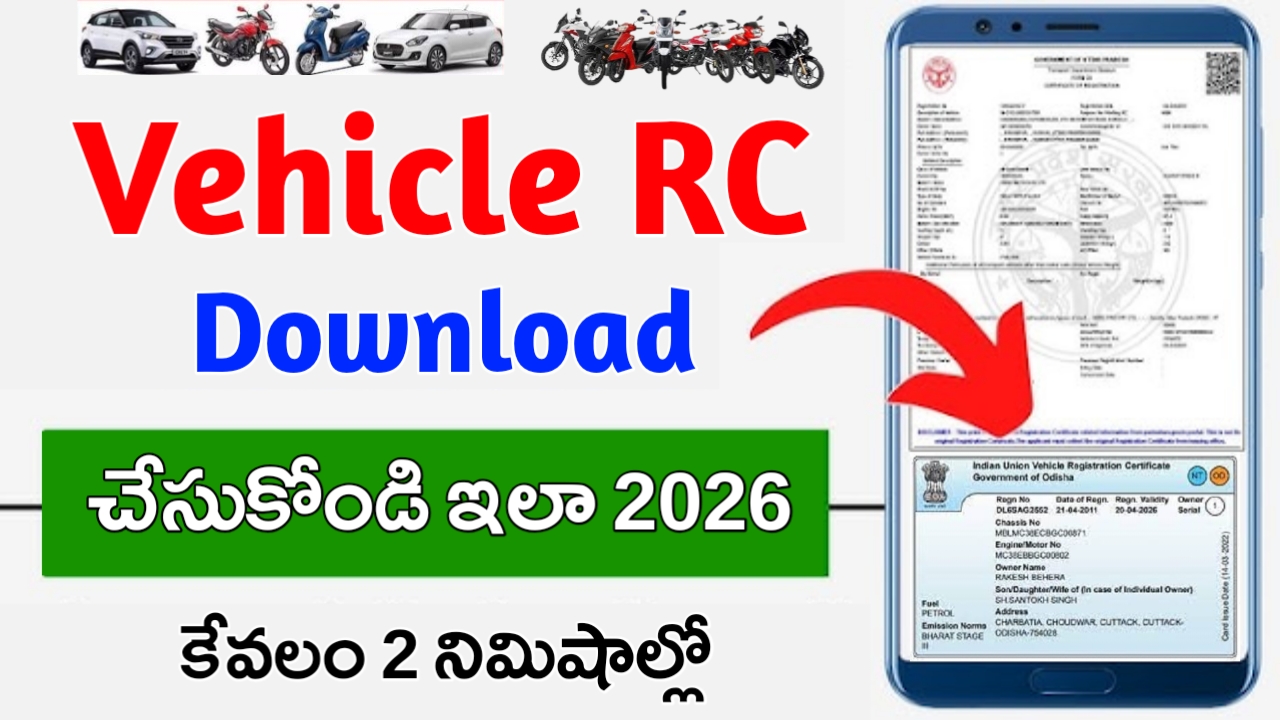
How To Check Vehicle RC Status / RC Vehicle Owner Details 2026
What Is Vehicle RC Status, Or RC Details 2026
When a new vehicle bought and registered with RTO authority, RC Status or registration certificate issued. Vehicle registration records are used to identify vehicles’ owners and keep track of their sales and purchases. Purchasing a vehicle requires vehicle registration. The driver must always carry along RC; if caught without it, the driver may be fined or imprisoned.
Vehicle RC Status – E Vahan Status 2026
Here is some details you will get when you check the vehicle rc status through parivahan.
✓Number of registration
✓Authority for registration
✓Date of registration
✓Name of the owner
✓Vehicle brand
✓Classification of vehicles
✓Type of fuel
✓Information about insurance
✓Information on fitness
How To Check Vehicle RC Status / RC Vehicle Owner Details 2026
The Parivahan website allows you to check the RC status of vehicles in India.
Step 1: Go to https://parivahan.gov.in/parivahan/ to access the Parivahan Sewa Portal.
Step 2: Go to the section titled ‘Online Service’
Step 3: You may select the option ‘Vehicle Related Services’.
Step 4: If a registration certificate has been applied from a particular state, then select that state from the dropdown menu.
Step 5: The registration number of your vehicle should be entered here.
Step 6: From the dropdown menu, choose ‘State RTO‘
Step 7: Go to the ‘Status’ menu and click on ‘Know Your Application Status‘ after selecting ‘Status’ in the menu at the top of the page.
Step 8: You can Submit Application With Your application number & clear Captcha.
Step 9: By selecting ‘View Report,’ you can view the report.
I want rc
Ok
Rc